Rory

How can we help?The quick fixes are right here.

Most answers take one tap in the app. If yours isn’t here, write to a person.

Stop the calls now.

Every call listens for it, any time.

  1. Say “stop” on any call, and we won’t call your number again.
  2. Or use the stop page: confirm your number with a code, and the calls stop.

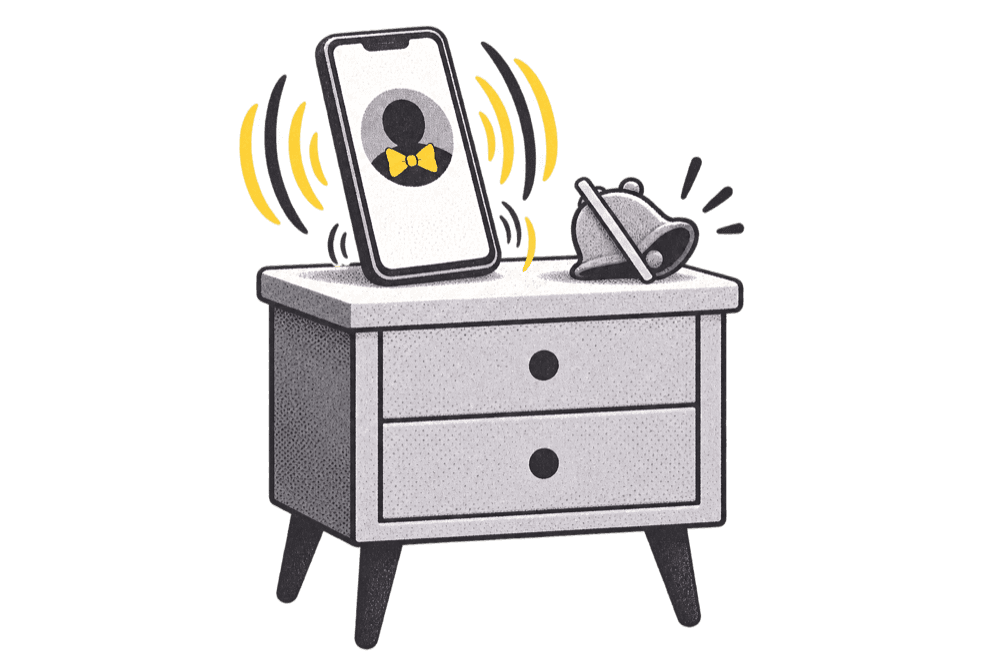
Make it ring on silent.

Save your caller as a contact once.

  1. 1In the app, open Settings › Ring through silent and save the card
  2. 2Tap the card, then Edit and Ringtone
  3. 3Turn on Emergency Bypass

No sign-in code?

Check the number, then give it 30 seconds.

  1. 1Tap Didn’t get it? Resend on the code screen
  2. 2Still nothing? Tap back and check the number

Cancel your plan.

Apple handles the billing, so it's in your iPhone's settings.

  1. 1Open Settings on your iPhone and tap your name
  2. 2Tap Subscriptions, then cancel
  3. 3Calls carry on until the time you paid for runs out

Refunds.

Apple takes the payment, so Apple gives refunds.

Ask at reportaproblem.apple.com, signed in with the Apple Account you paid with.

Codes and purchases.

A creator's code, or a plan bought on another phone.

  1. 1On the plans screen, tap Redeem code for a creator’s code
  2. 2Tap Restore to bring back a plan you already pay for

Delete your account.

Your schedule, streak and friends are gone, and calls stop right away.

  1. 1In the app, open Settings
  2. 2Tap Delete account and confirm
  3. 3Then cancel your plan in your iPhone’s settings, if you have one

We keep only the record that you agreed to get calls, because the law asks us to.

Still stuck?Write to a person.

Email us
help@reuleaux.app
From the app
Settings › Send feedback. It goes straight to the people building Rory, and every note is read.